
Make every interaction measurable

Don’t just connect,Connect Better.

The premium digital handshake for modern professionals. Share by link, QR code or a tap of the Signature Cuff. Your profile opens instantly on any phone, no app needed.

Set up in under 2 minutes. No credit card required.

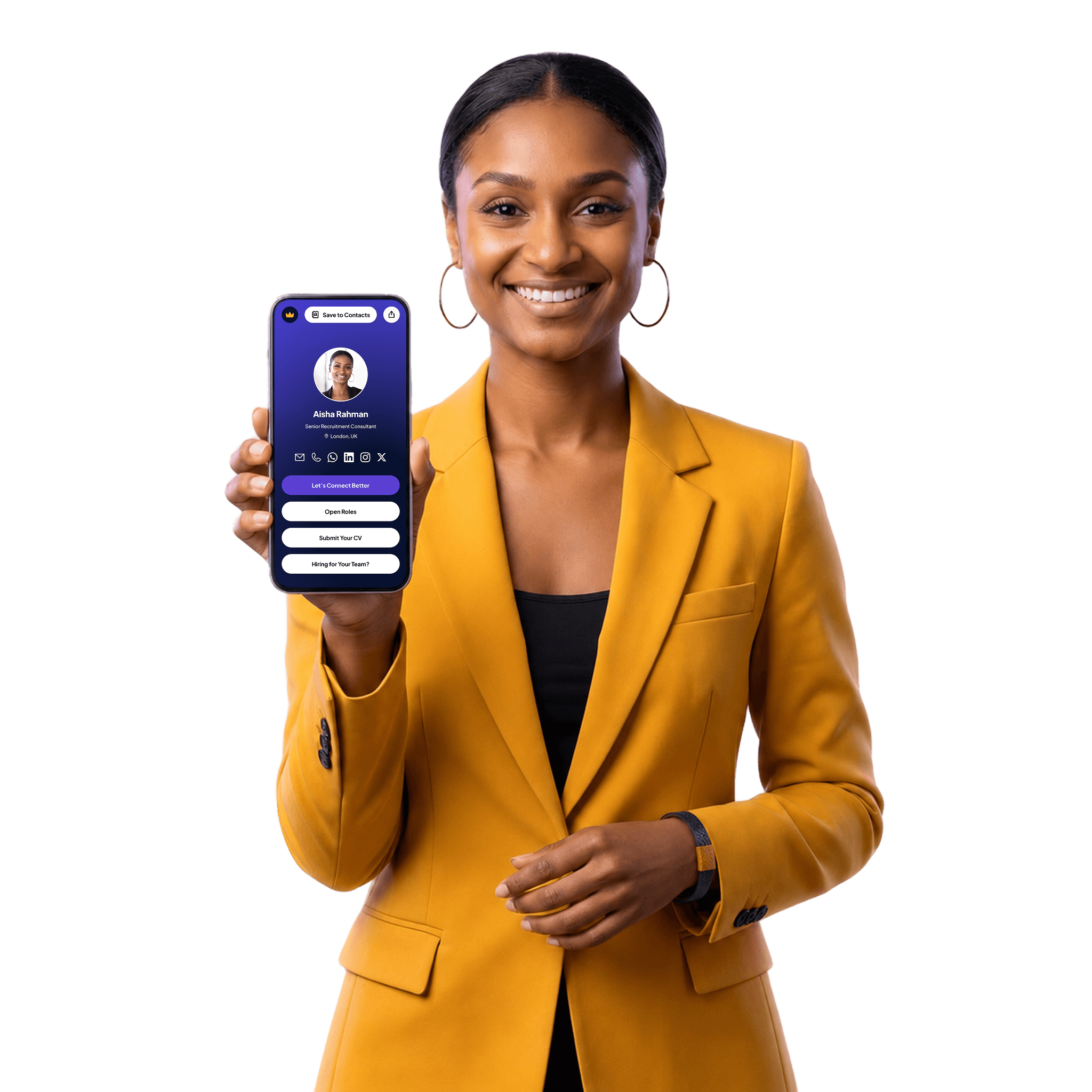
Professional holding a phone showing a Connect Better profile
  • Under 2 min

    To publish your profile

  • Link & QR

    To share online and in print

  • Instant Tap

    To share in person

DirectQRNFCShareContact savesLead formsAnalyticsAlways current

What you get

Share. Capture. Connect.

01 / 03 · Share

Link, QR
or tap.

Share your link anywhere, show your QR code in person, or let a tap of the Signature Cuff open your profile. Every route lands on the same always-current page.

  • Shareable QR and profile link, always live and up to date
  • Open your profile on any phone with one tap of a handmade wearable
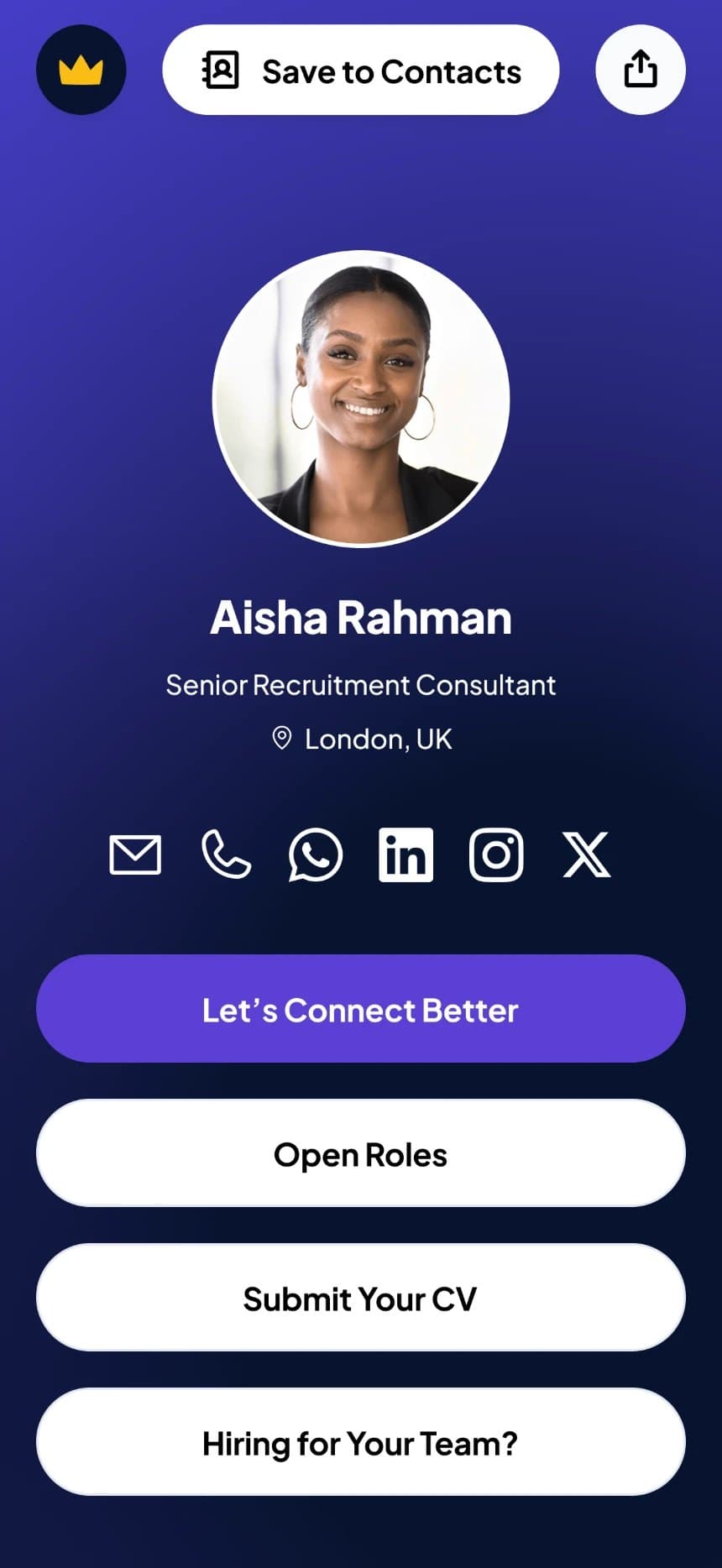
Aisha Rahman’s profile with one-tap Save to Contacts

02 / 03 · Capture

Turn hellos into
contacts and leads.

Make a credible first impression, then make it easy to act. Guests save your details in one tap, and your contact form turns curiosity into messages.

  • One-tap contact: save your vCard straight to their phone
  • In-profile lead forms for two-way networking follow-up

03 / 03 · Connect

Remember every
connection.

See your reach, which links get clicked and who saved your contact. When two Connect Better users swap profiles, you both keep a record, so no intro goes cold.

  • Actionable metrics on profile reach and engagement
  • Two-way profile memory: never lose context after an intro
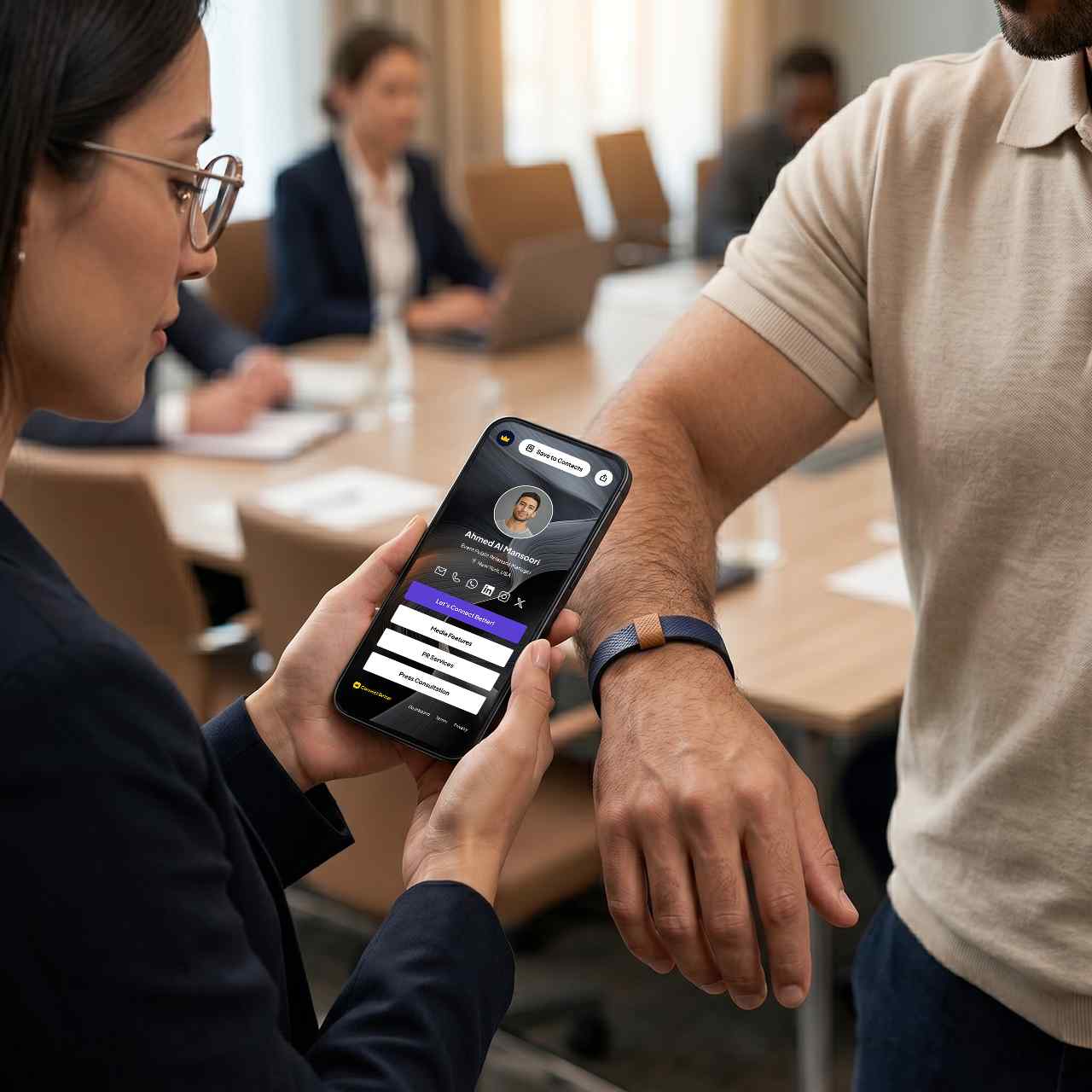
A professional taps a Signature Cuff against a phone to open a profile

Tap. Open. Connected.

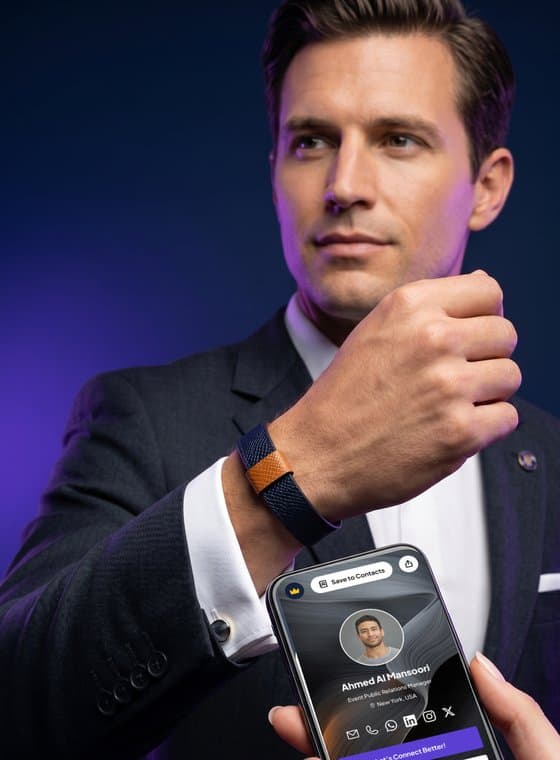
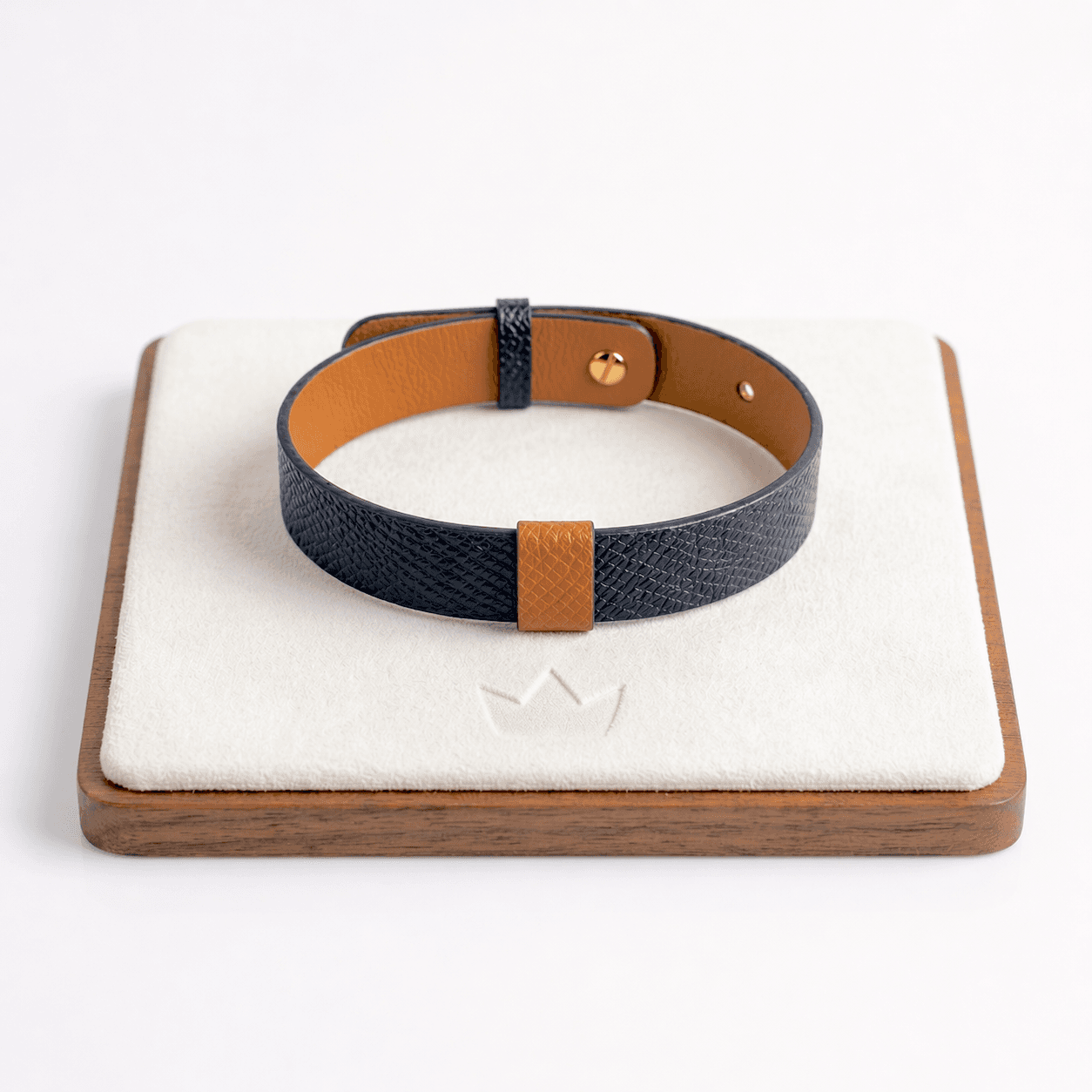
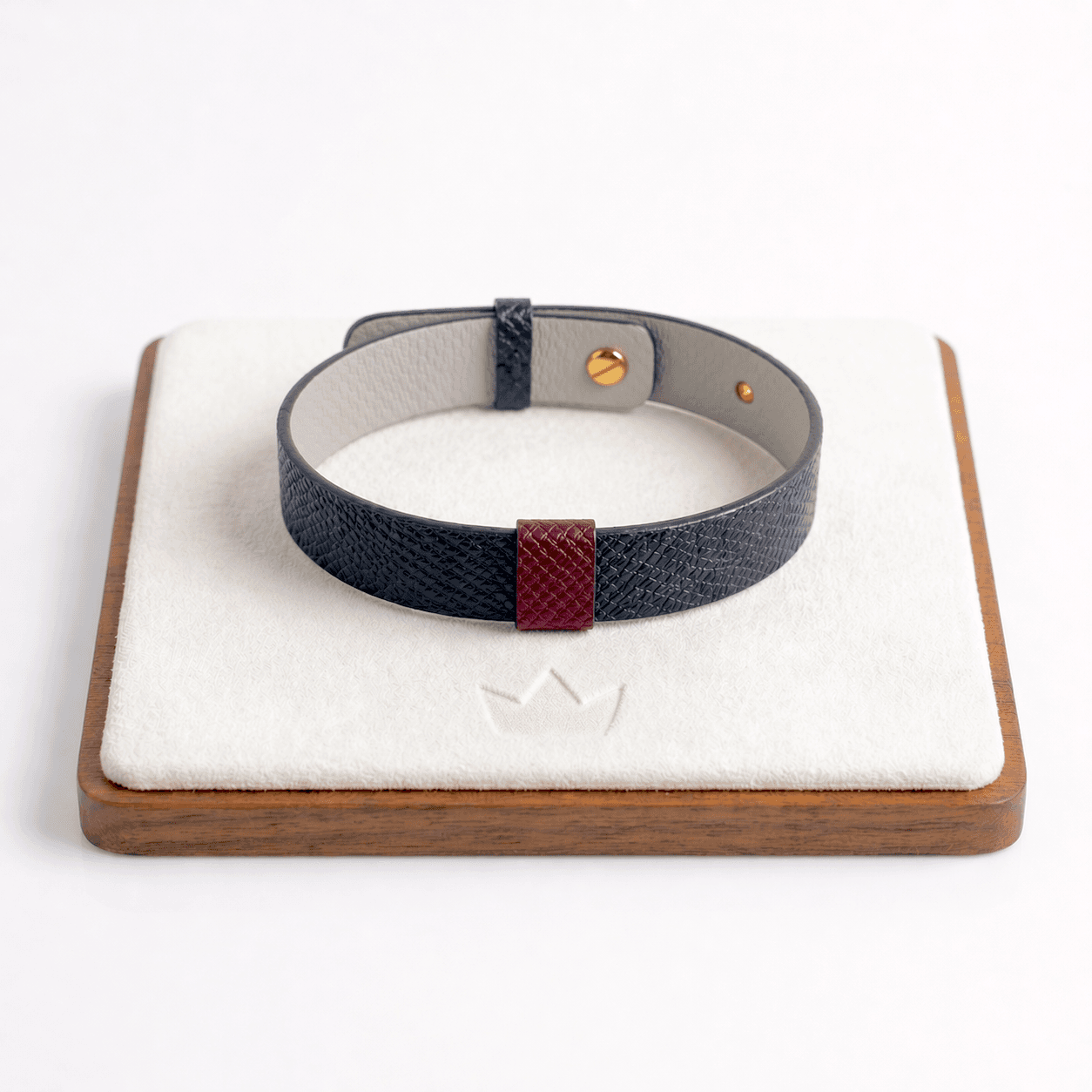
One tap of the Signature Cuff opens your profile on iPhone and Android. No batteries, no charging, no app.

Who it’s for

One always-current profile for every meeting, event and follow-up, whether you run a team, a practice or your own thing.

  • An executive shows the Signature Cuff on his wrist while his Connect Better profile opens on a phoneExecutives
  • A saleswoman wearing the Signature Cuff in a client meetingSales teams
  • A freelancer smiling over coffee in a caféFreelancers
  • Two founders standing togetherFounders
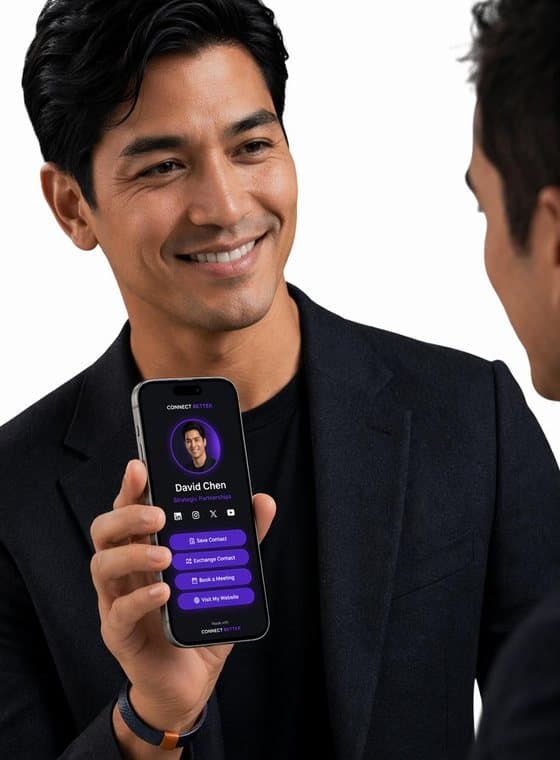
  • A partnerships lead shares his profile on his phone at an event, wearing the Signature CuffPartnership leads
  • A consultant in conversation wearing the Signature CuffConsultants
  • A coach explaining an idea across the table, wearing the Signature CuffCoaches
  • A smiling speaker shows his profile on his phoneSpeakers

Channel-level insight

Know which room turned a hello into a lead.

Every view, click and contact save ties back to where it came from: your link, a QR scan, a tap or a share.

  • DirectYour profile link, wherever you paste it
  • QRScanned from a slide, badge or table card
  • NFCA tap of the Signature Cuff
  • SharePassed on over WhatsApp, LinkedIn and more

Free to start

Start with a free profile.

Share by link and QR today. Add a Signature Cuff whenever you’re ready.

Claim your free profile

Set up in under 2 minutes. No credit card required.

Seen at events like

I used to leave conferences with pockets full of business cards I’d never look at. Now in just one tap, my profile is on their phone and they can connect with me anytime. Even if I change my accounts and links later, my profile stays updated. It’s the first time networking has actually felt efficient.

John D.Consultant and Speaker

How it works

Live in three steps

From sign-up to your first share in about 2 minutes.

  1. 01

    Create your account

    Enter your email at connectbetter.pro/login. One-time sign-in link, no password.

  2. 02

    Set up your profile

    Pick a username, add a photo and your links. Guided setup takes about 2 minutes.

  3. 03

    Share it

    Copy your link or save your QR. Add a Signature Cuff for one-tap NFC sharing.

Ready to Connect Better?

Go live in minutes. Turn every hello into a follow-up.

Set up in under 2 minutes. No credit card required.

Questions first? Read the Help Center